
Hands On: Grok Bot
A working setup guide for xAI's agent teammates — the bots worth building first, the routines that actually stick, and the permission rules to set before you hand over your inbox.
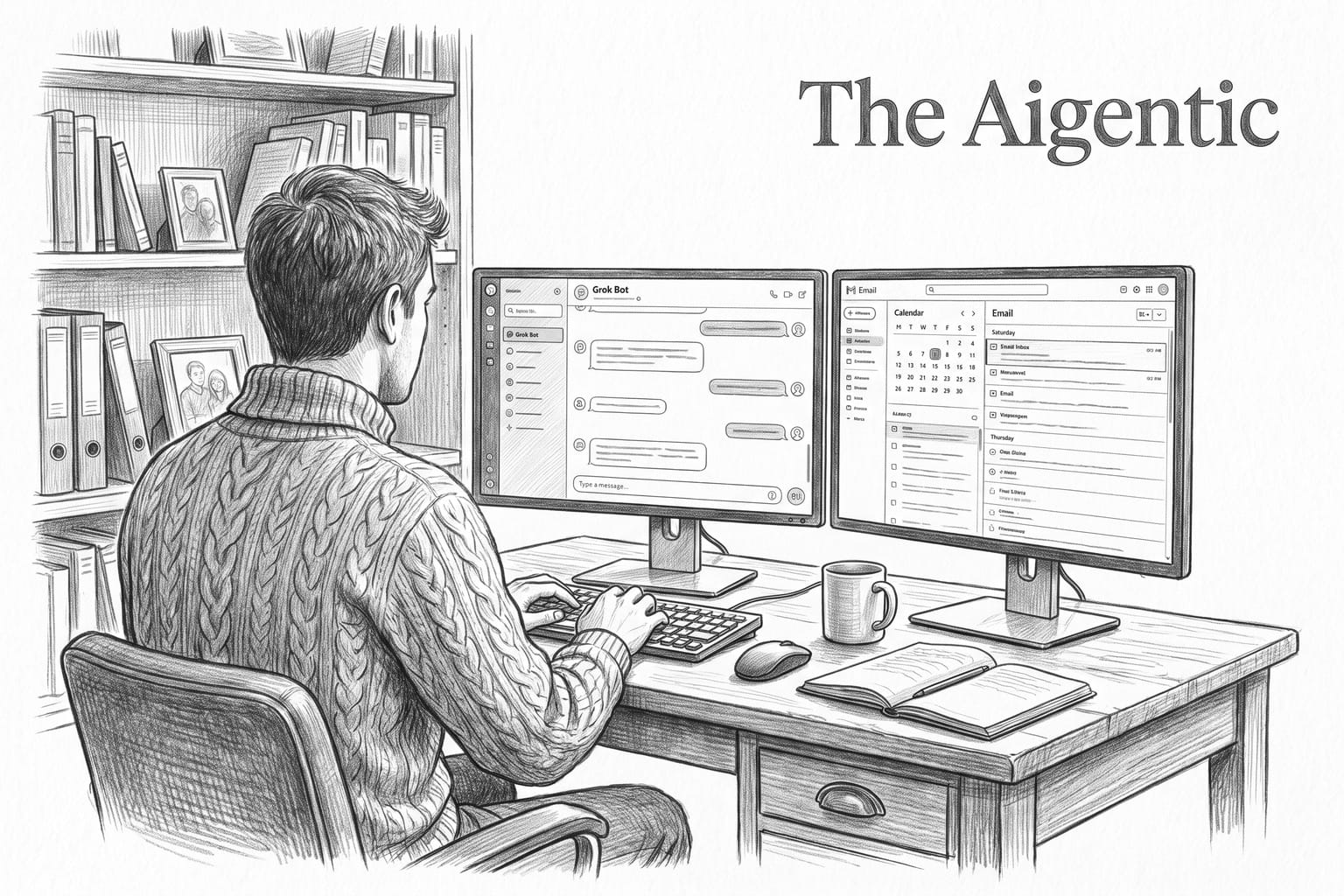
Grok Bot went into early beta on August 11, 2026, and xAI described it in one line that is easy to skim past: "your team of always-on agents." The important word is team. This is not a chat window with a better memory. Each Bot gets its own cloud computer, its own browser, its own logins, and its own standing instructions, and it keeps working when your laptop is shut.
That changes what you should build. A chat assistant rewards good prompts. A team of agents rewards good org design — narrow roles, explicit boundaries, and scheduled work that runs whether or not you show up.
Four creators have now put real hours into it and published what they run: Claire Vo, who moved almost her entire agent stack over; Peter Yang, who compared it head-to-head against local and cloud rivals; Alex Finn, who runs it as a business org chart; and Matthew Berman, who wired it into his daily inbox and calendar. This guide pulls their setups into one path you can follow today, in order, with the guardrails they learned the hard way.
A note on honesty before we start: this is beta software, and much of what follows comes from creator demonstrations rather than documentation. Where something is unverified, we say so.
Before you start: what you actually need
xAI lists Grok Bot as available on desktop and iOS for SuperGrok, SuperGrok Plus, and SuperGrok Heavy, plus Cursor Pro, Pro+, and Ultra, and Cursor Teams Standard and Premium. Enterprise access is a waitlist.
One detail from the announcement is worth internalizing because it changes how freely you delegate: Grok Bot usage is separate from your Grok or Cursor plan, and work you hand to a Bot does not count against your existing usage. xAI does not publish dollar prices or numeric Bot limits on that page, so ignore any figure you see quoted secondhand, including in the videos below.
Step 1: Build an advisor before you build anything else
The most common beginner mistake is opening the app and immediately building the bot you think you want. Peter Yang's fix is better: build one bot whose entire job is to tell you which bots to build.
- Create a new bot. Name it something plain — Yang pins his as an advisor.
- In its description, write who you are in real detail: your role, your company, what you ship, your family situation, what eats your week.
- Then ask it, in Yang's words: "Based on all this, suggest five bots that can help me save time or money. And for each, explain what it would do in a few sentences."
You will get a shortlist grounded in your actual life instead of a generic productivity-influencer roster. Yang's own build loop from there is simple and worth copying verbatim: initial prompt, iterate in chat until the output is genuinely good, then schedule it as a routine. Never schedule something you have not first watched succeed manually.
Pro move: ask for numbered lists. Yang notes that once output is numbered, your follow-ups become "do 2, 4 and 7" instead of re-explaining the whole task. It sounds trivial. It is the single biggest reduction in typing you will get.
Step 2: Write descriptions like a job offer, not a prompt
Both Vo and Finn land on the same insight independently: the bot's description field is effectively its system prompt, even though the UI never calls it that.
Put four things in it, every time:
- Role and scope — what this bot owns, and explicitly what it does not.
- Context — the business, the product, the family, the constraints.
- Output format — numbered lists, a morning brief, a table, a draft in your voice.
- Approval rules — the sentence that saves you. More on this in Step 5.
Then a naming rule both Vo and Finn insist on, and which sounds like a gimmick until you live with it: do not name your bots by function. No "CEO Bot," no "Marketing Agent." Give them human names. Vo runs Chief, TradBot, Holly Helpdesk, Penny Pincher, Sylvie Style. Finn's revenue researcher is Cindy. The reason is behavioral, not technical — you delegate to a teammate differently than you prompt a tool, and you notice a teammate underperforming much faster.
Step 3: Build a chief of staff, then specialists around it
The pattern that shows up in every one of these setups is a hub-and-spoke org: one general coordinator, several narrow specialists, each holding only the tools its job requires.
Vo's coordinator is Chief, sweeping six inboxes and multiple Slack workspaces — triaging, researching, drafting follow-ups, and coordinating the other bots. Around it sit specialists that each do one thing: LGTM closes pull requests, Lockdown watches SOC 2 controls, Holly Helpdesk answers customers, Penny Pincher audits subscriptions and negotiates insurance, and TradBot prints a kitchen-table newspaper for her kids every morning.
That last one is the most instructive on the list. TradBot's output is paper, on a table, for children who are not looking at a screen. When you stop assuming the output has to be a dashboard, the useful ideas get much better.
xAI's own framing matches this: Bots can message each other, share context in threads, and work in group chats where they assign each other ownership. So build the coordinator first, then let it recommend and delegate.
Vo's discipline worth stealing: she tested the model's writing before she let anything near her inbox. Voice mismatch is the failure you notice last and regret most.
Step 4: Turn a good conversation into a standing routine
Routines are where this stops being a novelty. The rule is always the same: run it by hand, correct it, then schedule it.
Concrete schedules these four actually run:
- Berman's email agent, daily at 7:30 a.m. — it scans overnight mail plus the previous day's leftovers, archives easy notifications, batches what needs attention, and asks him for decisions.
- Yang's travel concierge, Mondays at 9:00 a.m. — he hands it the trip requirements, dates and legs, and it re-checks prices and reports when something improves. In his example it came back with a Tokyo itinerary roughly $2,700 cheaper than his original open-jaw plan, found through Google Flights.
- Yang's morning research reports — a YouTube researcher that surfaces outlier videos in his niche with channel baselines, themes, and comment analysis, and an X scout that runs weekly.
Yang's X scout prompt is worth copying almost word for word, because its structure is the lesson — scope, grouping, and a forced creative output at the end:
"Find the most viral X posts from the last 7 days in my niche and create a weekly report with the top 10 tweets from people I follow, engage with, or bookmark grouped into a few categories. Include a full tweet copy, link, and your analysis. And end with three content ideas for me to tweet about next."
xAI also describes a teach-by-following flow, where a Bot watches you do a workflow, saves it as a routine, learns your corrections, and runs it later. Treat that as the ideal path when it works, and explicit scheduling as your reliable fallback.
Once the org chart is standing, the next unlock is a calendar of jobs that fire without you. We spelled nine of those out — inbox triage at 7:30 a.m., fare watches on Mondays, research digests, cleanup plans — with copy-paste prompts in Nine Grok Bot Routines That Run Your Day While You're Not Looking.
Step 5: Set permissions before you connect anything
This is the section to read twice, because the sources genuinely disagree here and the disagreement is the story.
Finn's headline anecdote is that he told a bot to monitor his business inbox, reply to legitimate companies, and negotiate — and it closed a $10,000 sponsorship after checking market rates. It is a great demo. It is also a self-reported outcome with an agent holding send authority on live business email, and it is not how the other three operate.
Yang and Berman both deliberately hold the leash. Yang's Gmail and Drive cleanup bot is explicitly told not to move, delete, unsubscribe, cancel, or alter anything without approval; it produces categorized numbered lists, capped at ten items each, and he then instructs it by number. Berman's inbox agent drafts, archives obvious noise, and batches the rest for him. On his computer-cleanup use case he is blunt about reviewing the plan before anything gets removed.
Finn's own least-privilege example is the better model to copy: his revenue bot Cindy researches prospects and supports revenue work, and he simply does not grant it permission to send email.
So write this into the description of every bot that touches a real account, before you connect it:
Do not send, delete, archive, cancel, unsubscribe, purchase, book, move files, change permissions, or message anyone outside this chat without my explicit approval. Show me a numbered list of what you plan to do and wait.
Then loosen it deliberately, one capability at a time, once a bot has earned it.
Two more rules that follow from how this thing works. First, a Bot reads email and web pages, which means hostile text can arrive inside content it is processing — tell it to treat page and message content as untrusted data, never as instructions. Second, signing a cloud computer into your bank, inbox, and social accounts is real access; use dedicated accounts where you can, never paste passwords or 2FA codes into a prompt, and revoke connectors you were only testing. The sources do not document retention, isolation, or audit logging, so do not assume any of it.
Step 6: Connect tools, narrowly
Berman's Gmail setup is the clearest documented connector path: go to Plugins → Add, add the Gmail plugin, and when the thread prompts you to connect, click Connect and authorize. He describes the resulting access as reading Gmail, adding labels, drafting replies, and archiving.
Beyond that, connector coverage across these videos is a menu of creator examples rather than an official list — Google Drive, calendar, Slack, X, Vercel, Telegram, DoorDash, Mercury for business banking, and the built-in browser and computer. Vo rates the Vercel plugin highly for engineering work. Yang connected Mercury by signing in on the remote cloud computer, which is a genuinely high-privilege move and not a casual recommendation.
Two cautions. Availability and permission scopes are not guaranteed to match what you see in a video recorded in August. And third-party skills are code — Finn links a community last30days skill, and anything like it deserves an audit before it runs with your credentials.
Step 7: Use the cloud computer for the things APIs cannot reach
The persistent cloud computer is the real differentiator, and xAI says so directly: a Bot can work where there is no clean API or MCP, sign in to sites, and complete multi-step jobs end to end, returning when it needs approval.
Practical uses from the videos: browser tasks against sites with no API, coding work in its own environment, research sweeps, file and app cleanup plans, ordering food, and — in Yang's demo — installing Doom, Red Alert, and Commander Keen and opening one to play. That last one is a joke with a serious point underneath: it is a real computer, and you should think about what that means before you hand it real credentials.
Yang's comparison is the useful frame. A local agent like Hermes on a Mac mini gives you control and physical custody but demands hardware and setup. A cloud browser inside another chat product often cannot hold a login. Grok Bot's trade is convenience and persistence in exchange for trusting someone else's machine with your sessions.
Step 8: Migrating from another agent stack
If you already run OpenClaw or Hermes, Vo's migration shortcut works and takes minutes: ask your existing agent to output its identity and instructions, paste that text into the new bot's description, then recreate the schedules as routines. She published bot templates alongside her video if you want a running start.
Her honest caveat is the part to keep: she says she moved almost entirely, not that everything is equivalent. Local stacks remain more configurable; Grok Bot's pitch is that it is zero-config and always on.
The 10-minute version
If you only do one pass today:
- Create an advisor bot, describe your work and life in detail, ask it for five bots that save you time or money.
- Build the top one. Give it a human name and a description with role, context, output format, and approval rules.
- Add the approval sentence from Step 5 verbatim.
- Run the task manually in chat until the output is genuinely good.
- Ask for it as a numbered list.
- Schedule it as a routine at the hour you would actually read it.
- Connect exactly one tool it needs, and nothing else.
- Let it run for a week before you grant it a single new permission.
When you are ready for the standing jobs themselves — schedules, starter prompts, and the approval line to paste into each one — jump to Nine Grok Bot Routines That Run Your Day While You're Not Looking.
Sources
Videos
- Claire Vo (How I AI) — 7 Grok Bot agents I use every day, Sep 2, 2026, 36:20 —
- Peter Yang — Grok Bot: 5 Must-Try Use Cases for Work and Life (Full Tutorial), Aug 17, 2026, 22:54 —
- Alex Finn — 8 Grok Bot use cases I promise will change your life, Aug 20, 2026, 26:59 —
- Matthew Berman — 11 Grok Bot Use Cases That Feel Like Cheating, Aug 20, 2026, 21:58 —
Official
- xAI — Introducing Grok Bot (Early beta), Aug 11, 2026 — read
What we could not verify
Dollar pricing, numeric Bot or routine limits, timezone handling for schedules, the full connector catalog and permission scopes, data retention and session isolation, and xAI's prompt-injection defenses. Creator revenue claims and outcome anecdotes are self-reported. Grok Bot is in early beta and its interface is changing; verify permissions in the app before granting them.