
Claude Moves Into Google Docs, Sheets and Slides
A practical guide to using Anthropic’s new add-on to sharpen a memo, make sense of a spreadsheet and repair a crowded presentation.
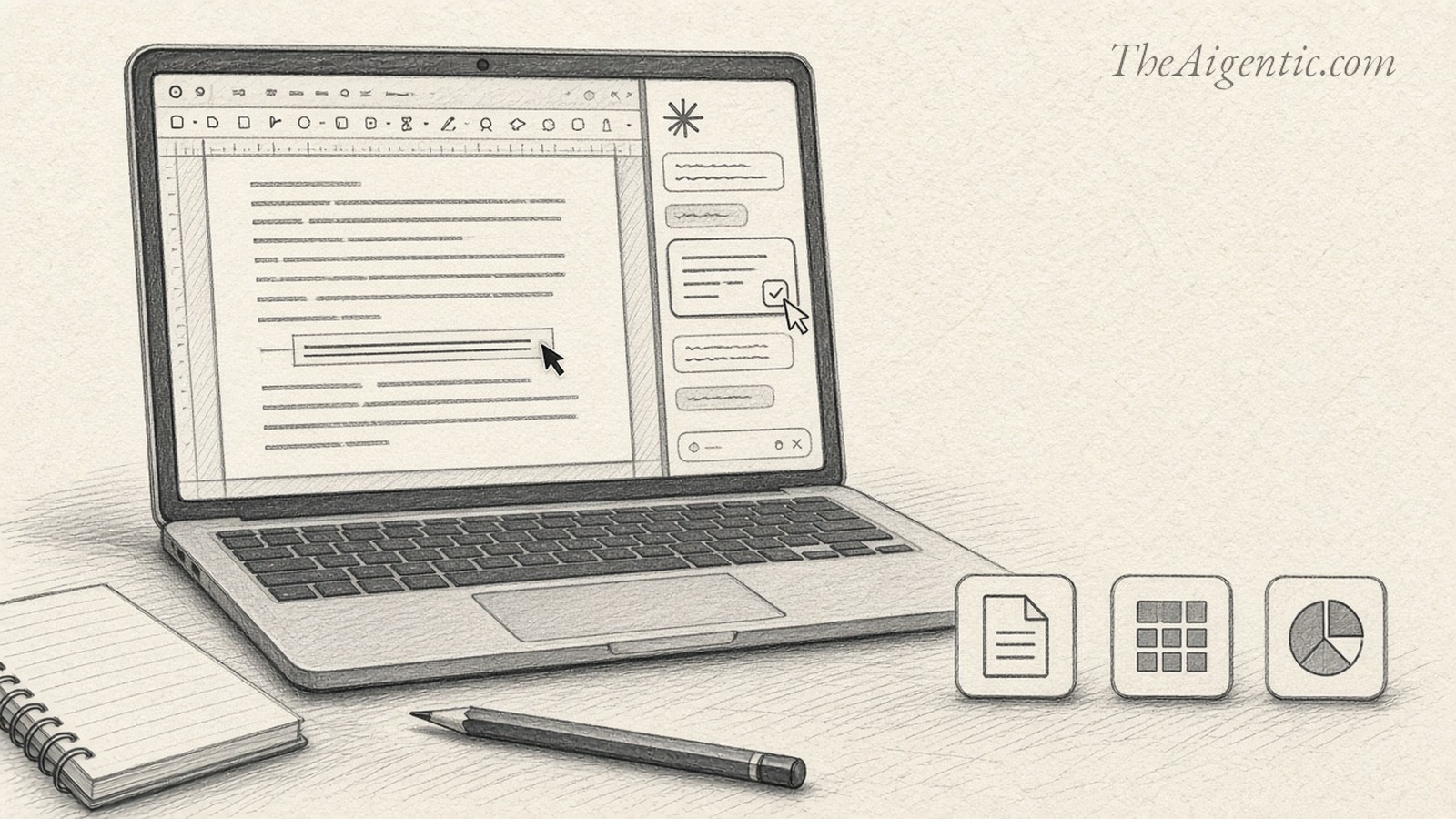
Some of the most tedious work with AI happens after the answer arrives. A rewritten proposal has to be pasted into the right document. A formula has to be transferred into a spreadsheet. A presentation outline still needs to become an actual presentation.
Anthropic is taking aim at that handoff. On October 6, it introduced Claude for Google Workspace in public beta, putting its assistant in a sidebar inside Google Docs, Sheets and Slides. Claude can read the open file and make changes directly where the work is happening. 1
The appeal is easy to understand: fewer trips between a chatbot and the file you are trying to finish. The more useful question is what to give it first.
Begin with work you already understand. An unfinished project memo, a familiar monthly report or a presentation that needs trimming will tell you more than an elaborate assignment built to impress. You want to see whether Claude follows your instructions, preserves the important details and leaves you with less work to do.
The add-on requires a paid Claude plan: Pro, Max, Team or Enterprise. Pro currently costs $20 a month when billed monthly, or $200 a year, before applicable taxes. 2 3
To get started:
- Install the official Claude add-on from Google Workspace Marketplace. Check that the publisher is Anthropic. One installation covers all three apps. 4 5
- Open a Google file, then choose Extensions → Claude → Open Claude. Sign in with your Claude account and review the requested permissions. 2
- Use Chrome, Edge or Safari. If your employer restricts add-ons, a Google Workspace administrator may need to approve or install it. 5
- Leave the default “Ask before edits” mode on while you get comfortable. Claude presents proposed actions for approval before applying them. That gives you a chance to catch a misunderstood instruction before it becomes a change to the file. 1 For a first session, these are sensible assignments:
In Docs, resist the temptation to ask Claude to “make this better.” Decide what the document needs to accomplish. A memo seeking a decision should lead with the decision. An update should make progress and unresolved questions easy to find.
The add-on supports drafting, rewriting and restructuring documents. That makes a rough project brief a useful starting point. 4
Try this prompt:
Revise this project memo for a manager who has two minutes to read it. Put the decision we need in the opening paragraph. Keep every stated number, date and commitment. Identify any missing information before editing. Offer the revisions for my review. Read for changes in meaning as closely as changes in style. “We expect to deliver” and “we will deliver” are different commitments. A shorter paragraph is an improvement only if it still says what you mean.
Claude’s sidebar review cards are separate from Google Docs’ native Suggesting mode. Applied changes become direct edits, and the add-on cannot read or resolve existing comments. 2
In Sheets, start by asking for an explanation of the workbook. Before handing over a calculation, establish what each row represents and how the existing totals work. This is particularly useful with a report you inherited from someone else.
Anthropic says Claude can build formulas, pivot tables and native Sheets charts, as well as add tabs. The Marketplace listing also describes tools for cleaning duplicates and inconsistent formatting. 1 4
For a table containing monthly sales by region, try:
Explain how this workbook calculates monthly sales. Identify missing entries, possible duplicate records and formulas that exclude populated rows. Before changing anything, show me what you found. Then propose an Analysis tab with monthly totals by region and a chart. Treat blank values as missing, not zero. The last sentence matters. An empty cell can mean the data has not arrived. Treating it as zero may turn an incomplete report into an apparent collapse in sales. Similarly, two records with the same customer name may represent separate orders. Ask Claude to flag those cases before removing them.
Check at least one total against the underlying rows yourself. Then inspect the formula range and the chart labels. A graph can look perfectly reasonable while leaving out the newest month.
Slides offers a different kind of test: can Claude improve the argument without burying it under more words? Begin with an existing presentation whose visual style you want to keep. Anthropic says the add-on can work from the deck’s layouts and themes and flag overlapping or unreadable elements. 5
Choose an overcrowded slide and try:
Rework this slide so its main point is clear at a glance. Preserve all numerical claims and the deck’s existing style. Move supporting detail into speaker notes. If it needs two slides, propose that first. Check the result for overlapping elements and text that is too small to read. Judge the result in presentation view. The useful test is whether someone seeing the slide for the first time can identify the point you intend to make.
Watch the charts: those Claude creates in the Slides sidebar are images, without a live link to spreadsheet data. They need regenerating when the numbers change. 2
There is also a second way to work. Anthropic has released separate Google Docs, Sheets and Slides connectors that let you create or edit Google files from Claude itself. Enable the relevant connectors, authenticate with Google and paste a file link into the chat. When requesting a new file, explicitly say “Google Doc,” “Google Sheet” or “Google Slides deck”; a generic request can produce a downloadable file instead. 6
That route is useful when an assignment draws on several files. The embedded editing pane works in Chrome on the web, or in Claude Desktop with its built-in browser enabled. Otherwise, use “Open in Google.” Existing Google permissions still apply. Team and Enterprise owners must enable the connectors for their organizations. 6
For an initial trial, stay with one file and one clear task. The sidebar normally sees the open file; enabling connectors can give it additional context. Keep the sidebar open while it works. Google limits a single operation to six minutes, so divide larger jobs into stages. 5 2
For workplace files, one further detail deserves attention: Anthropic says add-on content is not used for model training, but the extension does not inherit an organization’s custom retention settings. Its standard retention rules apply. 2
The strongest reason to try this is a task that keeps coming back: the weekly update that needs tightening, the monthly spreadsheet that needs explaining, the presentation that always has three slides too many. Give Claude one of those jobs and count the corrections you still have to make. That is a more useful measure of progress than how quickly it fills the screen.